> For the complete documentation index, see [llms.txt](https://enginethemes.gitbook.io/docs/llms.txt). Markdown versions of documentation pages are available by appending `.md` to page URLs; this page is available as [Markdown](https://enginethemes.gitbook.io/docs/estateengine/ee-complete-other-settings/ee-emails-management.md).
# EE Emails management
This section allows you to create default emails which will be sent to the users in specific situations:
**Register mail template**: if you disable the option "Email confirmation" users will receive this email after they complete their registration, this email won’t include the password.

\
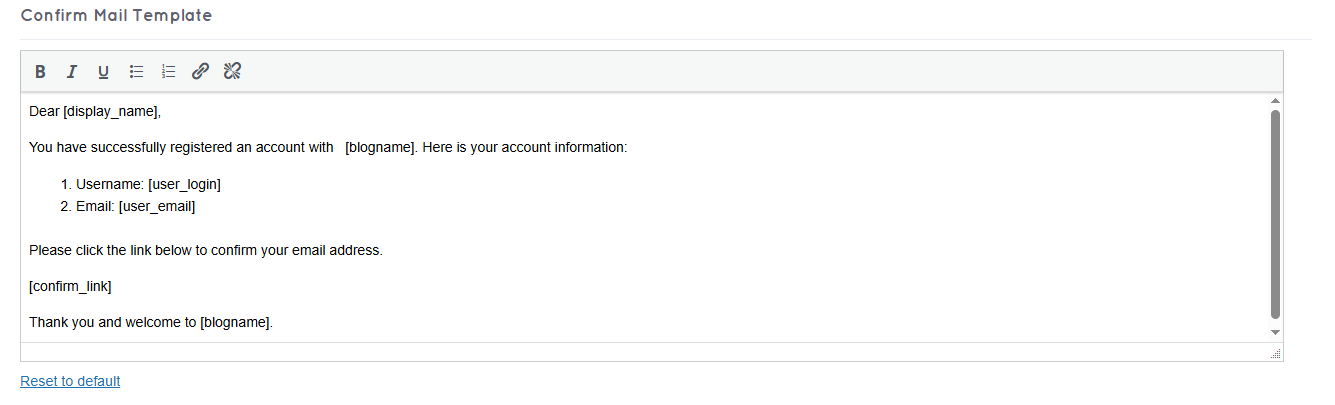
**Confirm mail template**: this email will include a link for users to complete their registration.
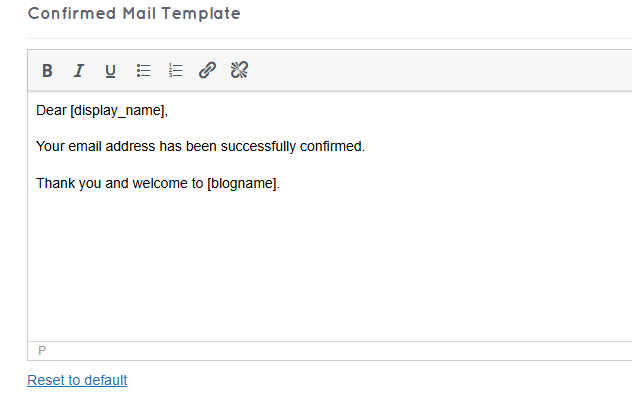
**Confirmed mail template**: this email will be sent to the users after they successfully confirm their emails.
**Forgotpass mail template**: users will receive this email after they request for a new password in the Forgot Password form.

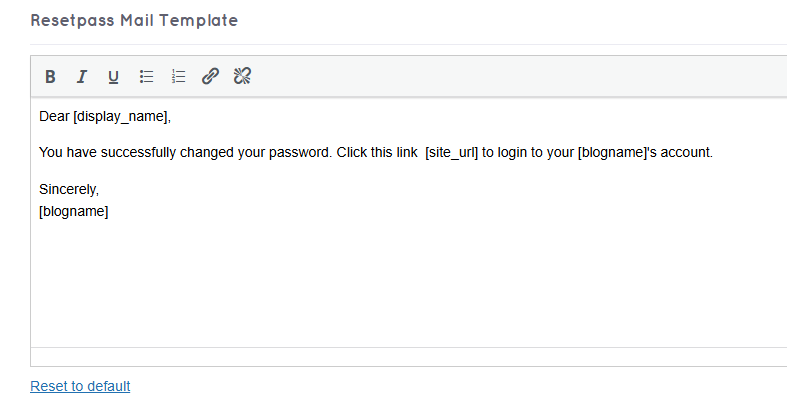
**Resetpass mail template**: this email will be sent after a user activates the active link to get the new password on his Forgotpass mail.
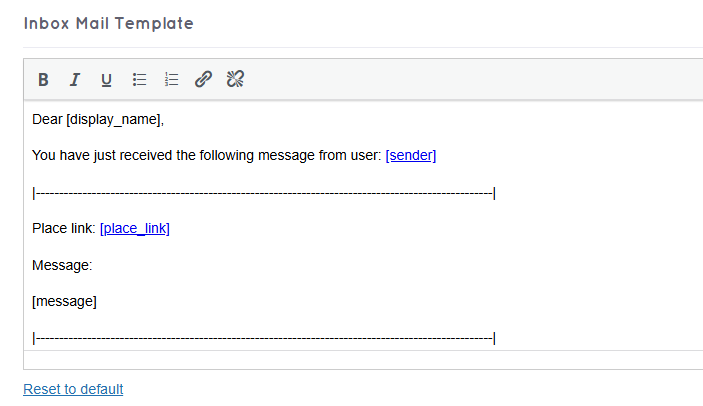
**Inbox mail template**: this email will be sent to the users whenever they receive a private massage.
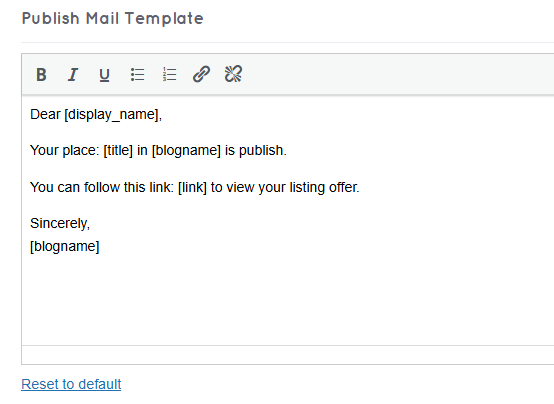
**Publish mail template**: this email will be sent after a user successfully publish a place.
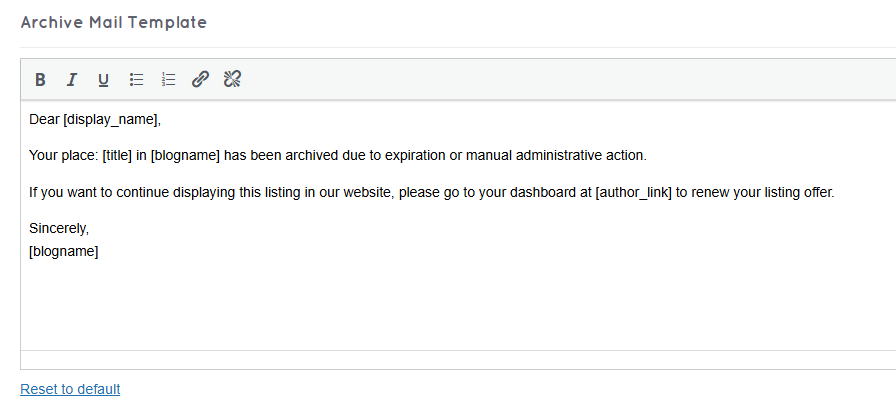
**Archive mail template**: this email will be sent to the users whenever their places are archived.
**Reject mail template**: this email will be sent to the users whenever their places are rejected.